How do I add a role to my store?
Adding a role to your store that members can buy is quick and easy.
-
Visit the dashboard and navigate to the Store page
-
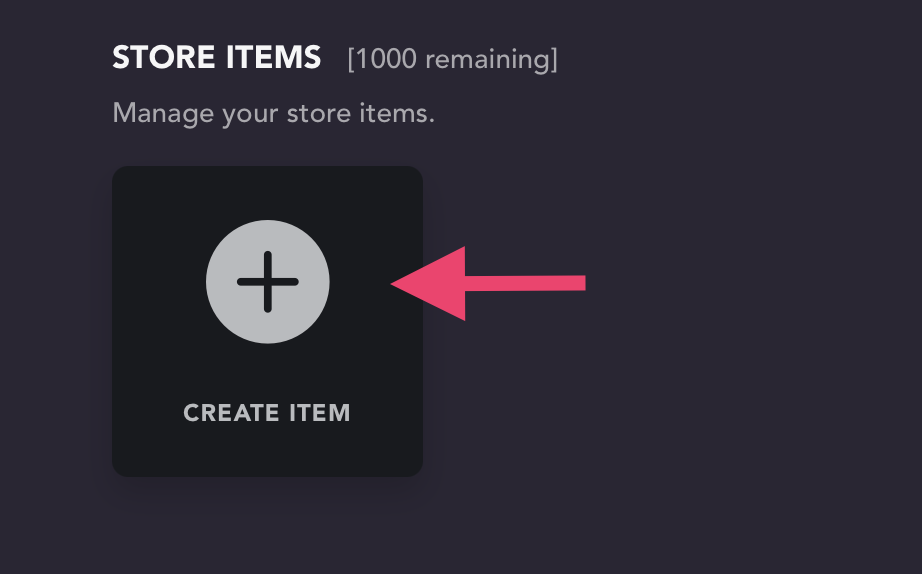
Select "Create Item" (if the item has already been created, you can skip this step)
-
Select the item that was created to open its settings
-
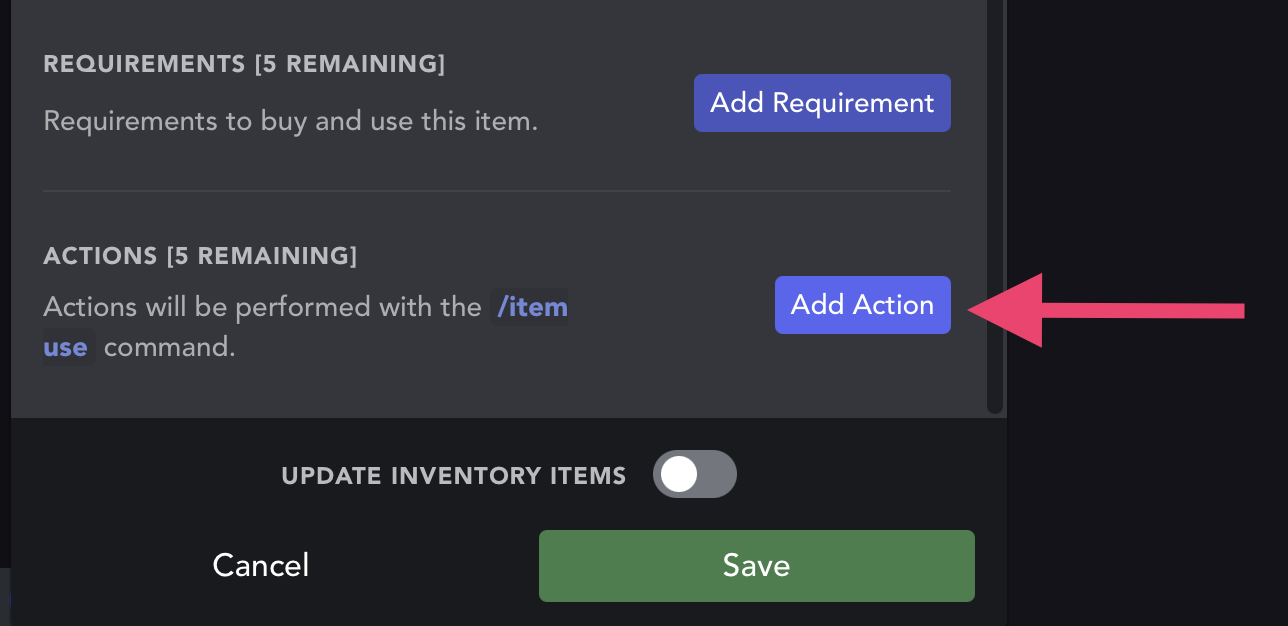
Scroll down to select "Add Action"
-
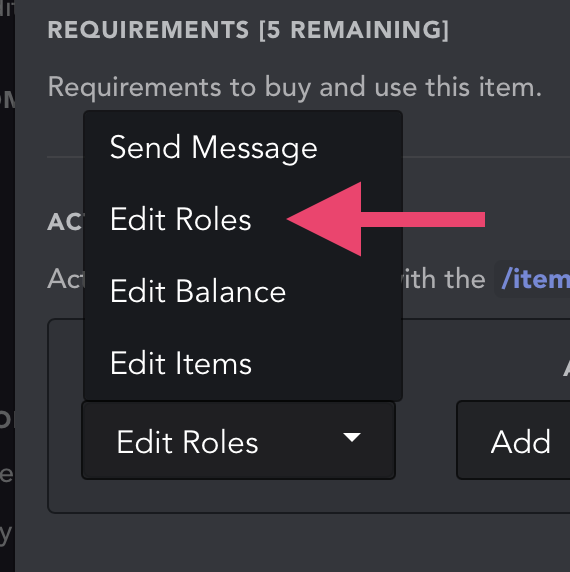
After clicking the dropdown that apears, select "Edit Roles"
-
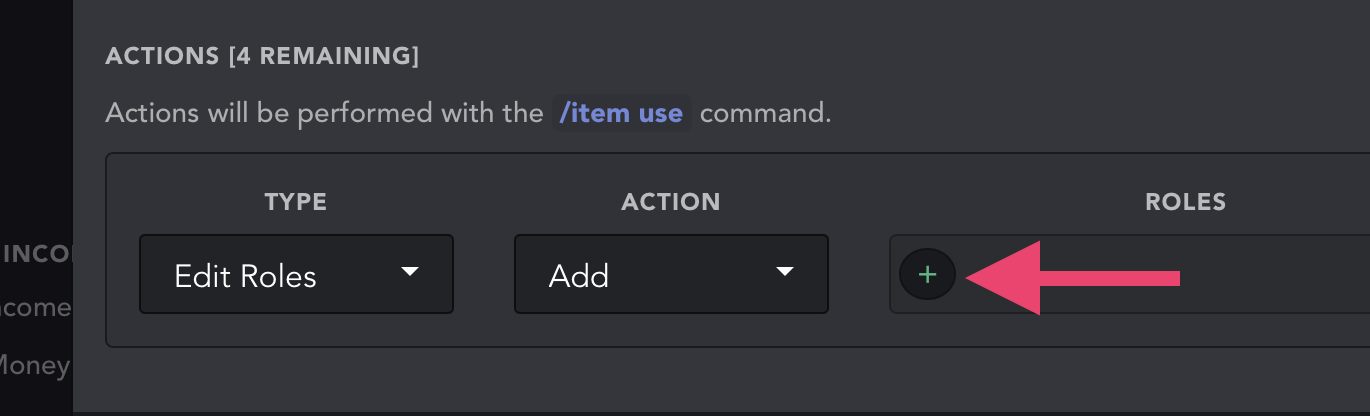
Select the add role button
-
Add your role. Make sure this role is below UnbelievaBoat's highest role in the list found in your Server Settings > Roles, or UnbelievaBoat will not be able to add the role to the member.
-
Click save to save your changes