Job-only shops
Give each job its own items, such as toolkits for mechanics or equipment for police, and let members run their own businesses.
What you'll use
- Store items with a Role requirement
- Item categories
Sell an item to one job
- In the Dashboard → Store, create the item, such as Mechanic Toolkit, in a Jobs category.
- Add a Has all of these roles requirement with the job's role, such as Mechanic.
- To limit supplies, turn off Unlimited Stock and set how many are available.
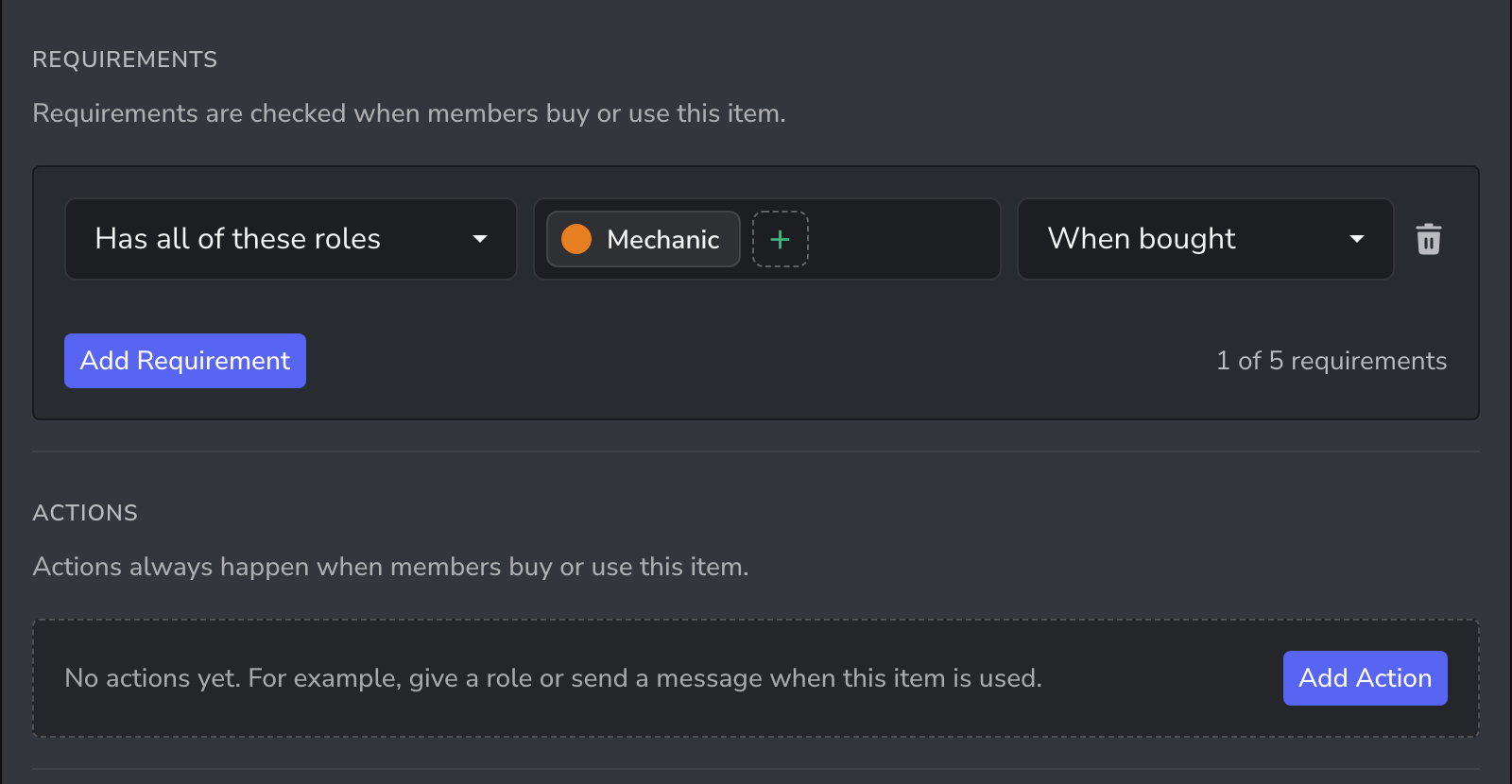
Other members can still see the item in the store, but only members with the role can buy it. Use Has any of these roles instead to allow several jobs.
Department equipment
For equipment a department hands out for free, such as a radio or a uniform, set the price to 0 and require the department's role. Set a Max Quantity of 1 so each member only takes one.
Player-run businesses
Members can buy stock from the store and sell it on to other members.
- Create the stock item with Sellable turned on, and require the business role, such as Food Truck Owner.
- The owner buys stock with
/item buy. - The owner sells to a customer with
/item sell, choosing the member, item and price. The customer accepts the offer to complete the sale.
Ideas
| Job | Item | Price |
|---|---|---|
| Police Officer | Radio | 0 |
| Paramedic | Medical Kit | 300 |
| Mechanic | Mechanic Toolkit | 1,200 |
| Business Owner | Restaurant Supplies | 2,500 |
Related guides
- Run a server shop: store ideas for any server
- Licences, permits and vehicles: items that need a licence