Why are commands not working?
If your commands are not working you can try the following steps:
Having trouble with slash commands? See Slash commands are not working.
1. Sufficient Permissions
Check if the bot has the View Channel and Send Messages permissions in the channel. Text commands also need the Embed Links and Use External Emojis permissions.
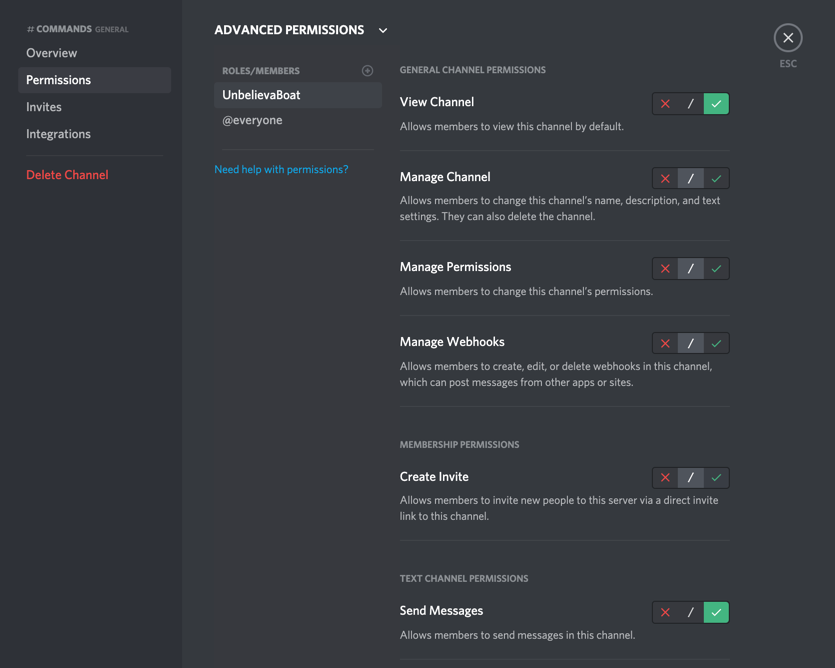
2. Correct Prefix
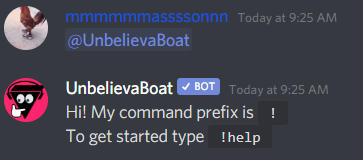
Check if you are using the correct prefix. The default prefixes are ! and u!, but setting a custom prefix replaces them. Pinging the bot will tell you the prefix as long as:
- You have allowed the bot to Send Messages in the channel
- The
helpcommand is enabled
3. Command Enabled
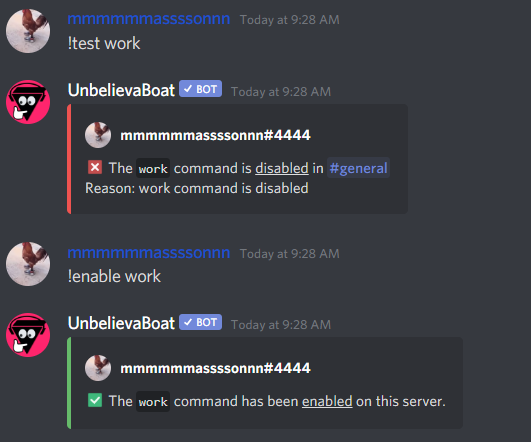
Check if the command is enabled.
You can do this by using the test command.
If it is disabled in the whole server, you can enable it using the enable command.
If it is disabled in just that channel, you can enable it by using the channel-override command.
It may also be denied for you or one of your roles using the permissions command.
4. Command Usage
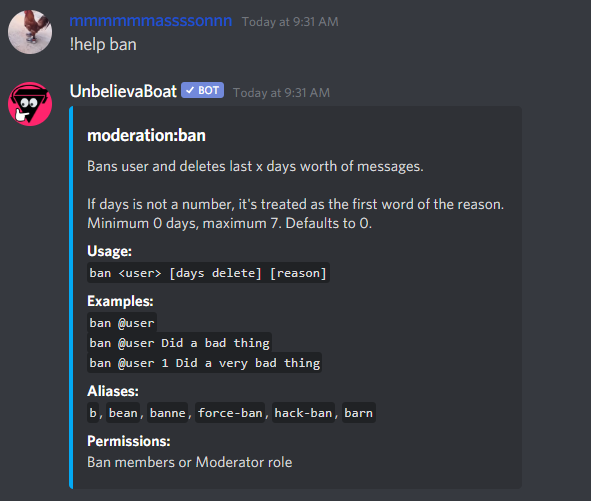
Make sure you are using the command correctly.
You can run help [command name] to see more information about a command.
5. Counting channels
Commands are ignored in counting channels.